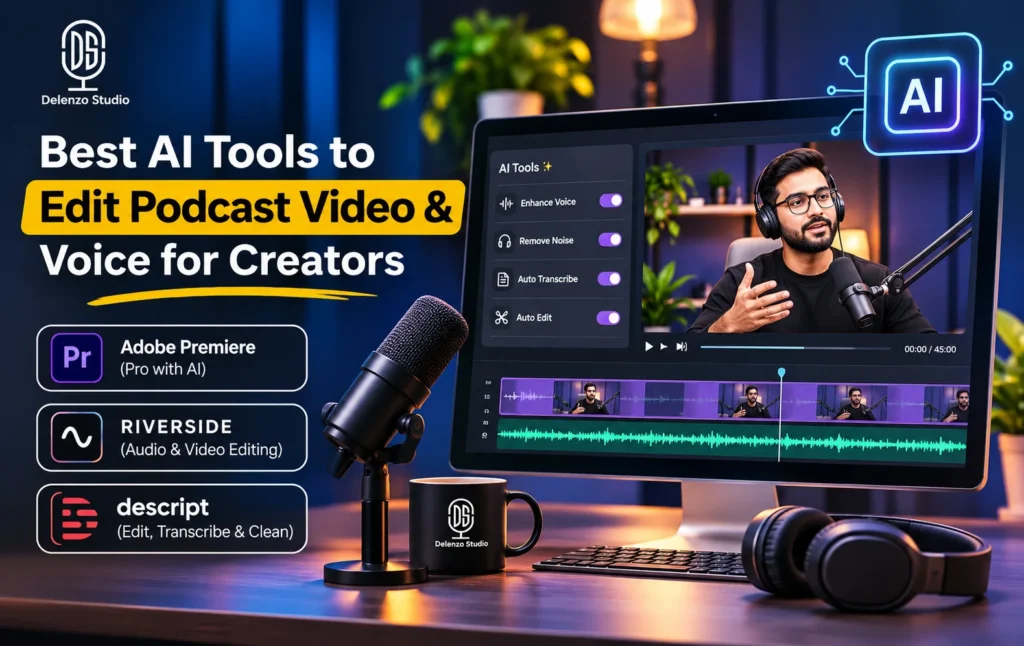
AI tools can make podcast editing faster by removing background noise, cleaning up voice recordings, cutting filler words, adding captions, and turning long episodes into short social clips. For creators, the best choice depends on whether you need quick cleanup, transcript-based editing, professional video editing, or social-media repurposing.
For most podcasters, Riverside and Descript are the strongest all-in-one options. Adobe Premiere Pro is better for professional video editors, while CapCut is useful for fast Reels, Shorts, and TikTok clips. If your recordings keep needing heavy repair before any of these tools can help, the fix usually isn’t the software — it’s where you recorded. A treated podcast studio in Lahore removes most of that noise before you ever open an editor.
What Is AI Podcast Editing?
AI podcast editing uses artificial intelligence to automate repetitive editing tasks in audio and video recordings. Instead of manually removing every pause, filler word, or background noise, creators can use AI tools to clean and polish content faster.
AI podcast editing can help with:
- Removing background noise
- Reducing echo and reverb
- Improving voice clarity
- Balancing audio levels
- Removing filler words such as “um” and “uh”
- Cutting long silences
- Creating captions and subtitles
- Generating short clips from long episodes
- Creating show notes and transcripts
- Correcting small voice mistakes with AI regeneration
AI does not replace good recording practices. It works best when the original podcast audio and video are recorded clearly in a controlled environment — see our guide on using an audio recorder for studio-quality sound for the basics before you even open an editor.
Best AI Tools for Podcast Video & Voice
| AI tool | Best for | Key AI features |
|---|---|---|
| Riverside | Podcast recording, interviews, video podcasts | Magic Audio, filler-word removal, silence removal, captions, Magic Clips, transcript editing |
| Descript | Transcript-based podcast and video editing | Studio Sound, Underlord AI co-editor, filler-word removal, Regenerate, captions, clips |
| Adobe Premiere Pro | Professional video editing | Enhance Speech, text-based editing, object masking, generative extend |
| Adobe Podcast Enhance Speech | Quick voice cleanup | Background-noise removal, voice clarity, speech and ambience adjustment |
| CapCut | Reels, Shorts, TikTok, quick edits | AI podcast video editor, captions, trimming, noise reduction, clip creation |
Riverside: Best for Podcast Recording and Clips
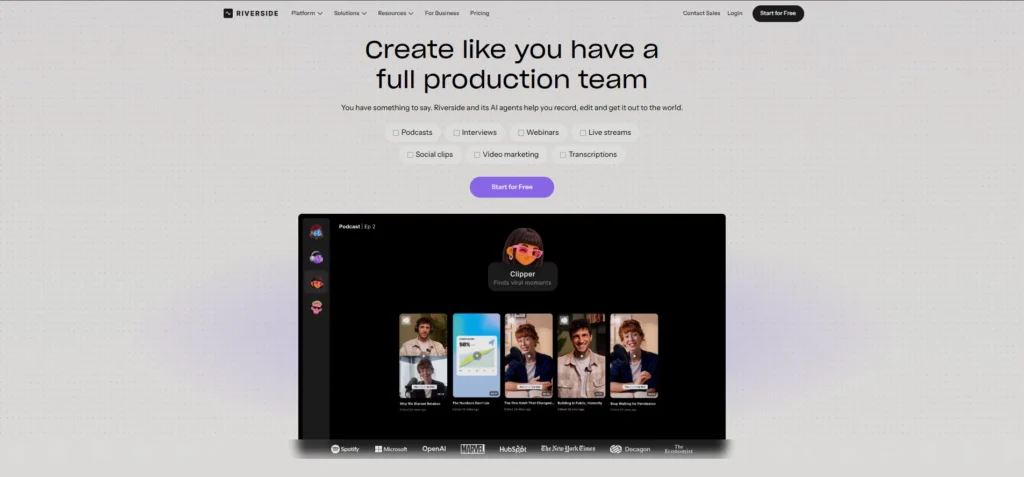
Riverside is one of the best all-in-one platforms for creators who record interviews, podcasts, and video shows. Its editor is built for conversations and includes AI tools that help clean audio, remove filler words, create captions, and turn long recordings into short clips.
Riverside’s Magic Audio can remove background noise, fine-tune sound, and improve voice clarity. Creators can apply it to individual tracks and adjust the intensity for more natural results.
Riverside also offers Magic Clips, which can identify strong moments and turn them into social-media clips. This is useful for creators who want to repurpose one long podcast episode into Reels, Shorts, and TikTok videos.
Best for: Podcasters, interview shows, remote guests, YouTube creators, and teams that want recording plus editing in one platform.
Limitation: Riverside is strongest for conversational content. For complex branded videos with heavy motion graphics, a professional editor may still be needed.
Descript: Best for Transcript-Based Editing
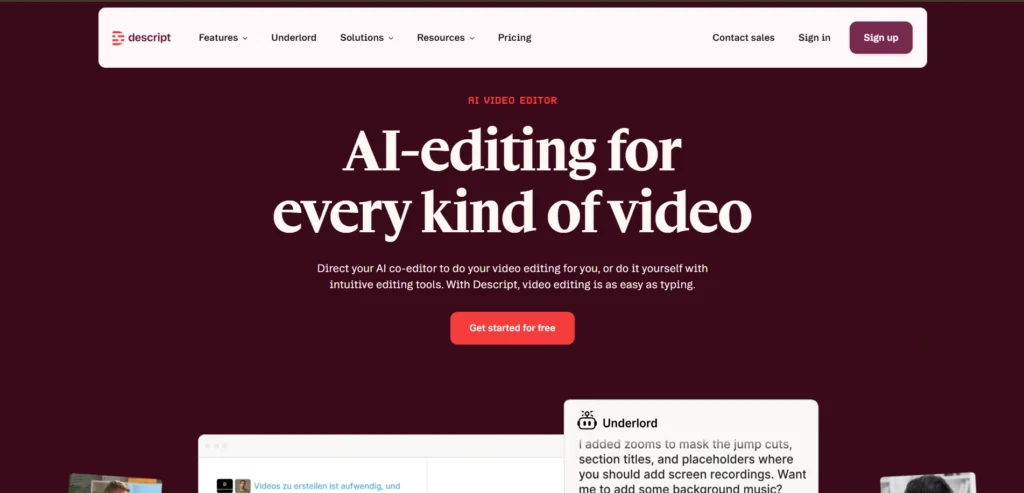
Descript is ideal for creators who prefer editing audio and video by editing text. After uploading a recording, Descript transcribes it, allowing you to delete words, sentences, or sections directly from the transcript.
Its Studio Sound feature improves voice quality by reducing background noise and echo. The platform also includes filler-word removal, captions, clips, and AI-assisted editing through Underlord.
Descript’s Regenerate feature can correct small spoken mistakes by generating new audio in the speaker’s voice. The platform also offers AI voice cloning for intros, voiceovers, and corrections.
Best for: Solo creators, educators, interviewers, and podcasters who want a fast text-based editing workflow.
Limitation: AI voice cloning and regeneration should be used carefully. Always get the speaker’s consent and avoid changing the meaning of what they said.
Adobe Premiere Pro: Best for Professional Video Editing
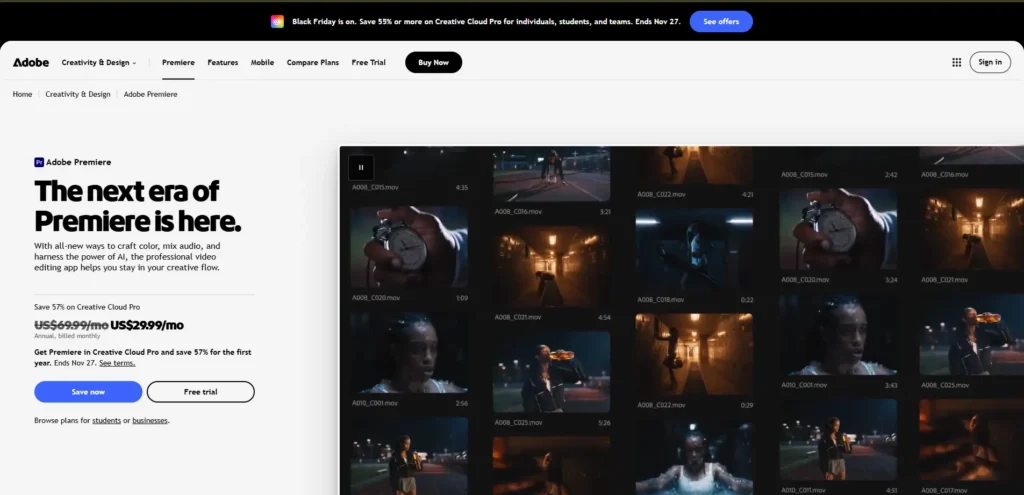
Adobe Premiere Pro is the best option for creators who need detailed control over video editing, colour, graphics, sound design, and multi-track projects.
Its Enhance Speech feature uses machine learning to reduce background noise and improve vocal clarity. Adobe states that Enhance Speech is not generative AI and does not synthesize new audio; it improves the existing recording.
Premiere Pro is a strong choice for branded YouTube videos, corporate podcasts, client work, and projects that require advanced editing beyond basic AI cleanup.
Best for: Professional video editors, agencies, businesses, and high-end YouTube productions.
Limitation: It has a steeper learning curve and is less beginner-friendly than Riverside or Descript.
Adobe Podcast Enhance Speech: Best for Quick Voice Cleanup
Adobe Podcast Enhance Speech is a simple web-based tool for cleaning up voice recordings. It removes background noise and boosts vocal clarity, making it useful for podcasts, interviews, voiceovers, and talking-head videos.
The tool supports audio and video files, allowing creators to improve dialogue in MP4, MOV, and other formats. It also lets users adjust speech, music, and ambience for a more natural result.
Best for: Quick cleanup of voice recordings, interviews, and talking-head videos.
Limitation: It is not a complete podcast production platform. Use it for voice cleanup, then move the file into your main editor for final cuts and publishing.
CapCut: Best for Short-Form Podcast Clips
CapCut is a practical option for creators who want to turn podcast episodes into Reels, TikToks, YouTube Shorts, and other short-form content quickly.
Its AI podcast video editor supports trimming clips, reordering scenes, adding captions, and finishing videos in a browser-based workflow. CapCut also includes noise reduction, volume adjustment, trimming, and special effects for both audio and video content.
Best for: Social media creators, Reels, TikTok, YouTube Shorts, and fast repurposing.
Limitation: CapCut is not the best choice for long-form, multi-camera, or professional podcast production. Use it as a repurposing tool rather than your main editing platform.
How to Choose the Right AI Tool
Choose your AI podcast editing tool based on your workflow:
| If you need… | Best tool |
|---|---|
| Record and edit in one place | Riverside |
| Edit by transcript | Descript |
| Professional video editing | Adobe Premiere Pro |
| Quick voice cleanup | Adobe Podcast Enhance Speech |
| Reels, Shorts, and TikTok clips | CapCut |
| Clean audio before editing | Adobe Podcast or Riverside Magic Audio |
AI Podcast Editing Workflow
Follow this simple workflow to edit podcast video and voice efficiently:
- Record in a quiet, controlled environment — use a good microphone, proper gain, and a sound-treated room or studio.
- Import the recording into your AI editor — upload your audio or video file to Riverside, Descript, Adobe, or CapCut.
- Apply AI voice cleanup — use Magic Audio, Studio Sound, or Enhance Speech to reduce noise and improve clarity.
- Remove filler words and silences — use AI tools to cut “um,” “uh,” long pauses, and unnecessary repetition.
- Review the edit manually — listen to the full episode before publishing. AI can make mistakes, especially with names, accents, and overlapping speech.
- Add captions and clips — create captions for accessibility and generate short clips for social media.
- Export in the correct format — use high-quality audio for podcast platforms and MP4 video for YouTube and social media.
When AI Editing Is Not Enough
AI tools are powerful, but they cannot fully fix every recording problem. They may struggle with:
- Severe background noise
- Loud traffic or wind
- Clipping or distorted audio
- Heavy echo in a large untreated room
- Multiple people speaking at once
- Poor microphone placement
- Low-quality phone recordings
In these cases, re-recording is often better than trying to repair badly damaged audio. A professional studio helps prevent these issues before they happen — see why your podcast has echo for the most common cause of damaged-sounding recordings.
Studio Recording vs AI Editing
| Factor | AI editing | Professional studio recording |
|---|---|---|
| Speed | Fast | Requires scheduling |
| Cost | Lower for one-off fixes | Higher upfront, better for recurring content |
| Noise prevention | Cleans noise after recording | Reduces noise before recording |
| Voice naturalness | Depends on processing level | Usually more natural |
| Multi-speaker control | Limited by tool features | Better with proper mics and engineering |
| Best for | Quick fixes, social clips | Podcasts, brand videos, interviews |
AI editing is a helpful safety net, but it should not replace good recording practices. The strongest workflow is to record cleanly first, then use AI only for final polish.
Fix it with AI if…
Your recording is already decent and just needs noise cleanup, filler-word removal, captions, or short clips for social media.
Book a studio if…
You keep fighting echo, hiss, or room noise on every episode. Treated acoustics and the right mic placement fix the problem AI keeps patching.
Frequently Asked Questions
Riverside is a strong all-in-one option for podcast recording and editing, while Descript is best for transcript-based editing. Adobe Premiere Pro is better for professional video editing, and CapCut is ideal for short-form clips.
Yes. Tools such as Riverside Magic Audio, Descript Studio Sound, and Adobe Enhance Speech can reduce background noise and improve voice clarity.
Yes. Riverside and Descript can remove filler words, silences, and create clips automatically. CapCut also supports AI-assisted podcast video editing for short-form content.
AI voice cloning can be useful for corrections and voiceovers, but it should only be used with the speaker’s consent and should not change the meaning of their words.
Yes, if you want consistent quality. AI can clean up audio, but it cannot fully fix poor recording conditions. A studio helps you start with better raw footage.
Need a professional podcast setup first? AI tools can speed up editing, but clean recording still matters. Delenzo Studio provides a professional podcast setup in Lahore with quality microphones, cameras, lighting, and on-site support, so creators start with better raw footage before editing. If your channel also needs ongoing editing, publishing, and SEO once episodes are recorded, our YouTube Channel Management Services cover that end-to-end.
For a closer look at fixing a specific recording problem rather than choosing an editor, see our guides on removing background noise from a video, editing podcasts in Adobe Audition, and why podcasts get echo.
Want clean audio and video before you even open an editor?
Book a Podcast Recording Session