Starting a solo podcast doesn’t require a co-host or a complex studio setup. Some of the most listened-to shows in the world are hosted by a single voice, one person, one microphone, and a clear point of view. But here’s the reality most beginners don’t hear upfront. A solo podcast lives or dies on two things: the quality of your ideas and the quality of your sound. Without a co-host to carry the energy, your sound has to do more of the work.
Fortunately, getting your setup right doesn’t require a massive budget. It requires the right decisions about gear, environment, and workflow. Make those decisions correctly once, and every episode you record benefits from them. This guide walks you through everything you need to know. From choosing your first microphone to setting up a video-ready recording space, we cover it all in plain, practical language. And if you’re in Lahore and want professional results from session one, we’ll show you exactly how Delenzo Studio makes that possible.
What Is a Solo Podcast Setup?
A solo podcast setup is the complete collection of equipment and environment choices that allow a single host to record high-quality audio and often video content alone. Unlike a multi-host or interview setup, everything is configured around one voice, one frame, and one workflow. That simplicity is actually an advantage. Fewer microphones means fewer variables. One camera angle means faster setup and editing.
However, a one person podcast setup still needs to be done correctly. The microphone must capture your voice with warmth and clarity. The room must be treated to eliminate echo. The camera if you’re recording video, must be positioned to create a professional, consistent frame. Get these fundamentals right, and your solo podcast will sound and look like a show worth coming back to. Skip them, and even your best episodes will feel unfinished to your audience.
Essential Equipment for a Solo Podcast Setup
The right equipment makes recording easier, faster, and more consistent. You don’t need to buy everything at once but you do need to understand what each piece does and why it matters for your specific setup. Here’s a breakdown of the core gear every solo podcaster needs to get right from the start.
Podcast Microphone and Audio Interface
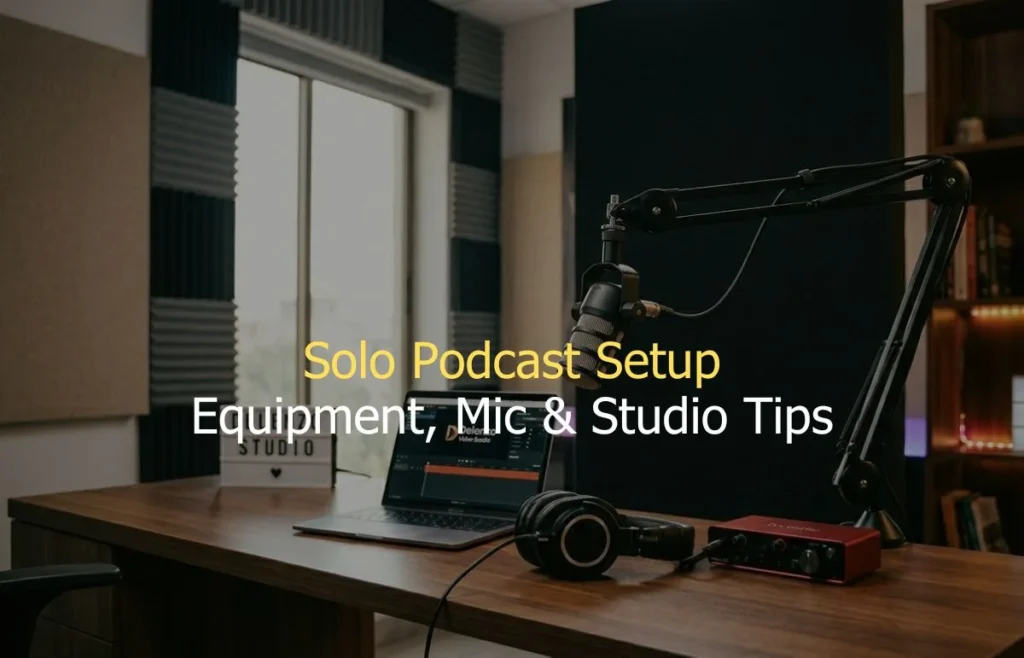
The best microphone for solo podcast recording is a dynamic XLR mic. Dynamic microphones reject background noise well and capture vocal warmth without picking up every room reflection. The Rode Podmic and Audio-Technica AT2040 are two of the most trusted options available. An XLR mic connects to your computer through an audio interface. The interface converts the analogue signal into clean digital audio. It also controls your input gain and lets you monitor your recording in real time through headphones.
Additionally, for a solo setup, a two-channel interface like the Focusrite Scarlett Solo is more than enough. Pair it with a boom arm, shock mount, and pop filter, and your microphone chain is complete. This combination handles the vast majority of professional solo recordings at every level of experience. Similarly, using consistent microphone placement ensures your audio quality remains stable across every episode.
Camera and Lighting for Video Podcasts
Today, video podcasts are no longer optional for creators who want to grow. YouTube, Instagram Reels, and TikTok clips drive massive discovery for audio-first shows. As a result, even if your primary format is audio, recording video simultaneously is always worth it. For a podcast setup for one person, a single mirrorless camera is the most effective choice. The Sony A7III or Sigma BF both deliver cinematic quality at a manageable price point. Position the camera at eye level on a sturdy tripod, directly in front of you.
Lighting is where most solo creators make their biggest mistake. A single ring light creates flat, unflattering illumination. Instead, use a key light slightly off to one side and a fill light on the other. This two-light setup adds depth, dimension, and a professional look to every frame you record.
Headphones and Recording Software
Monitoring headphones are essential for any solo podcaster. They let you hear exactly what your microphone is capturing in real time. Closed-back headphones work best as they prevent audio from leaking back into the mic during recording. The Audio-Technica ATH-M40x and Sony MDR-7506 are reliable, widely used choices. Both deliver accurate sound reproduction that helps you catch problems before they become permanent in your recording.
For recording software, Audacity is free and capable enough for most beginners. Adobe Audition and Hindenburg offer more advanced editing features for growing shows. Furthermore, Descript is worth exploring if you want to edit your podcast by editing the transcript text. It dramatically speeds up the post-production process for solo creators.
How to Set Up a Solo Podcast (Step-by-Step)
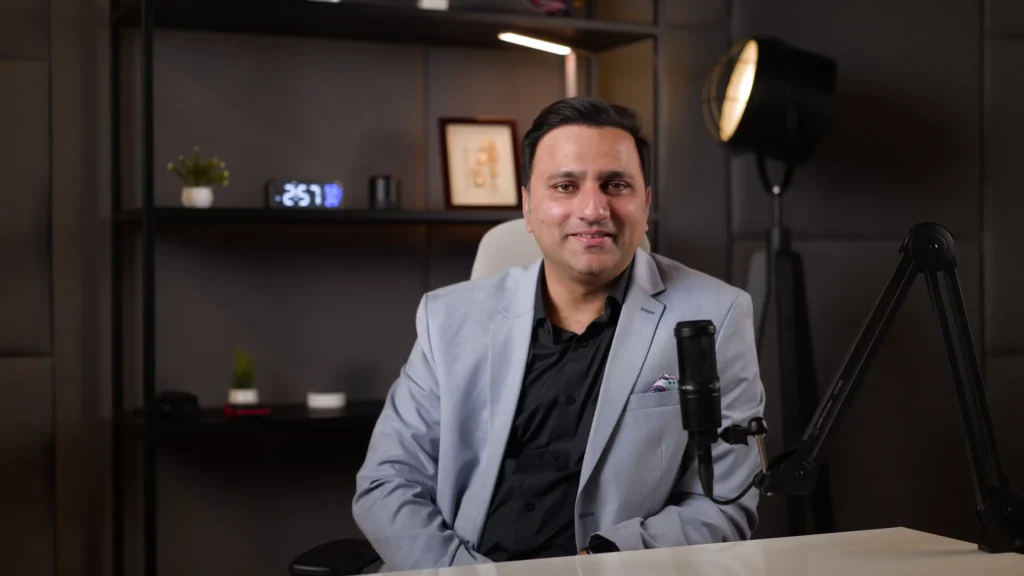
Setting up your recording setup correctly takes less time than most people expect. But skipping any of these steps leads to problems that are hard to fix after recording. Follow this sequence every time you record and your sessions will run smoothly from start to finish.
- Choose the Right Recording Space: Start by choosing a room with soft furnishings, carpets, curtains, bookshelves, and sofas absorb sound well. Avoid hard-walled rooms with tile floors. If you’re serious about quality, add acoustic foam panels to your walls. Even a wardrobe full of clothes makes a surprisingly effective recording booth for solo audio.
- Position Your Microphone and Camera: Place your microphone 6 to 8 inches from your mouth on a boom arm. Angle it slightly off-axis to reduce plosive sounds naturally. Set your camera at eye level, centred in the frame. Check that your face is well-lit, your background is clean, and nothing distracts from you as the subject.
- Test Audio and Record Your First Episode: Always record a 30-second test before your full session. Listen back through headphones and check for echo, background noise, or clipping. Adjust your gain until your voice peaks between -12 dB and -6 dB. Once levels are clean and consistent, you’re ready to record your first full episode with confidence.
Home Solo Podcast Setup vs Professional Studio
Both options have their place. But understanding the real differences helps you make the right choice for your current stage of growth and your long-term content goals. Here’s a clear, honest comparison between recording your solo podcast at home and booking a professional studio.
| Factor | Home Solo Setup | Delenzo Studio Lahore |
| Audio Quality | Room-dependent, often echoey | Broadcast-ready, acoustically treated |
| Microphone | Self-purchased, variable quality | Professional XLR mics, pre-configured |
| Camera & Lighting | DIY, inconsistent results | Cinema cameras, calibrated studio lighting |
| Setup Time | 30–60 min every session | Zero — fully ready on arrival |
| Acoustic Treatment | Absent or DIY | Professional soundproofing and panels |
| Technical Support | Self-managed | On-site team handles everything |
| Equipment Cost | PKR 100K–500K upfront | Session-based from PKR 15,000 |
| Consistency | Varies session to session | Same professional quality every time |
Solo Video Podcast Setup (Camera, Lighting, and Background)
Recording video alongside your audio is one of the smartest decisions a solo creator can make. It multiplies your content output without multiplying your recording time. One session produces an audio episode, a full YouTube video, and multiple short clips for social media. Consequently, video introduces new variables that audio-only setups don’t have to consider. Camera angle, background composition, and lighting consistency all affect how your audience perceives you. Here’s how to get each element right for a solo podcast recording environment.
Why a Single 4K Camera Angle Works Best for Solo Podcasts
Multi-camera setups look impressive but they add complexity that solo creators rarely need. In most cases, a single, well-positioned 4K camera delivers everything you need for a professional solo video podcast. Position the camera at exact eye level. This creates natural eye contact with your audience. Frame yourself in the upper two-thirds of the shot with some space above your head and the set visible below.
4K resolution gives you flexibility in post-production. You can punch in to create a second close-up angle without a second physical camera. This makes your edit feel dynamic without any additional recording complexity. Therefore, for a single host podcast, this approach is efficient, repeatable, and genuinely professional-looking.
Best Background Ideas for Solo Creators in Small Rooms
Your background is part of your brand. Viewers form an impression within the first few seconds and your set plays a big role in that impression. For small rooms, a clean, minimal background always outperforms a cluttered one. A bookshelf with curated items, a plain painted wall with soft lighting, or a simple fabric backdrop all work well. Moreover, avoid busy patterns, direct windows, and anything that draws attention away from you.
RGB lighting behind you or to the sides adds depth and visual interest to small spaces. A warm colour temperature around 3200K to 4000K creates an inviting, professional atmosphere on camera. Keep the background consistent across episodes. Consistency builds visual brand recognition faster than almost any other single production decision.
Common Solo Podcast Setup Mistakes
These are the mistakes that hold most solo creators back. They’re all avoidable once you know what to watch for.
- Recording in an untreated room. Echo and reverb ruin otherwise great content. Treat your space before you record.
- Skipping the pop filter. Plosive sounds on P and B words are harsh and distracting. A pop filter costs very little and fixes the problem entirely.
- Setting gain too high. Clipping distorts your audio permanently. Keep peaks between -12 dB and -6 dB at all times.
- Inconsistent mic distance. Moving away from the mic mid-sentence causes noticeable volume drops. Stay disciplined about your position.
- Poor background lighting. A bright window behind you creates a silhouette. Always light your face, not your background.
- Skipping the test recording. Always do a short test before every session. Catching issues early saves hours of rework later.
- Using a condenser mic in a noisy room. Dynamic mics reject room noise far better. Choose your mic type based on your environment.
Record Your Solo Podcast at Delenzo Studio in Lahore
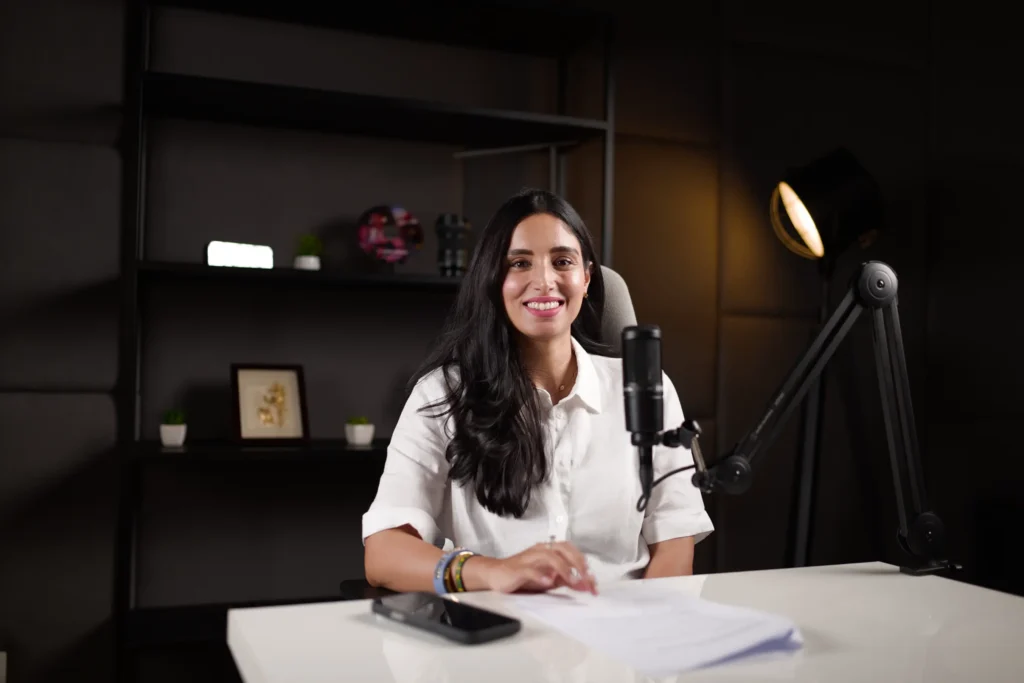
If you want to skip the trial and error of building a home setup, Delenzo Studio in Gulberg, Lahore gives you a professional result from your very first session. The studio features a fully soundproof podcast room with professional XLR microphones, a Rodecaster Pro II mixer, cinema-grade cameras, and calibrated Aputure studio lighting. Everything is set up and tested before you arrive. You walk in and start recording immediately.
The on-site team handles every technical detail gain levels, camera angles, lighting balance. So your energy goes entirely into your content, not your equipment. Sessions are available in the morning, afternoon, and evening to fit your schedule. And with solo podcast gear of this calibre available on a session basis, you get broadcast-quality results without the upfront investment of building your own studio.
Whether you’re recording your first episode or your hundredth, Delenzo Studio is where Lahore’s serious podcast alone creators come to produce content they’re genuinely proud of. Book your session and experience the difference a professional environment makes.
Frequently Asked Questions
What equipment do I need for a solo podcast?
For a solo podcast, you need a dynamic XLR microphone, an audio interface, a boom arm, a pop filter, a shock mount, and closed-back monitoring headphones. A treated recording room matters just as much as your gear. For video, add a mirrorless camera and professional softbox lighting to your setup.
How do I record a solo podcast?
Choose a quiet, treated room. Position your mic 6 to 8 inches from your mouth. Connect it to your audio interface and open your recording software. Do a 30-second test first. Check gain levels, listen back through headphones, then record your podcast episode in one focused session.
Can a podcast have only one host?
Absolutely. A single host podcast is one of the most effective formats in podcasting. It builds a strong personal brand and a loyal audience faster than most multi-host shows. The key is a clear niche, consistent publishing schedule, and clean audio quality that keeps listeners coming back every episode.
How much does a solo podcast setup cost?
Building a home solo podcast setup costs between PKR 80,000 and PKR 300,000 for decent quality gear. A smarter alternative is booking a professional studio session. At Delenzo Studio Lahore, sessions start from PKR 15,000 giving you broadcast-ready equipment, acoustic treatment, and on-site support without any upfront investment.
Do I need a studio to record a solo podcast?
You don’t need a studio to start. But a professional soundproof podcast room makes a significant difference in audio quality. Home setups often carry unwanted echo and background noise. A dedicated recording studio eliminates both completely. For creators serious about sound quality and audience growth, a studio session is always worth it.

